
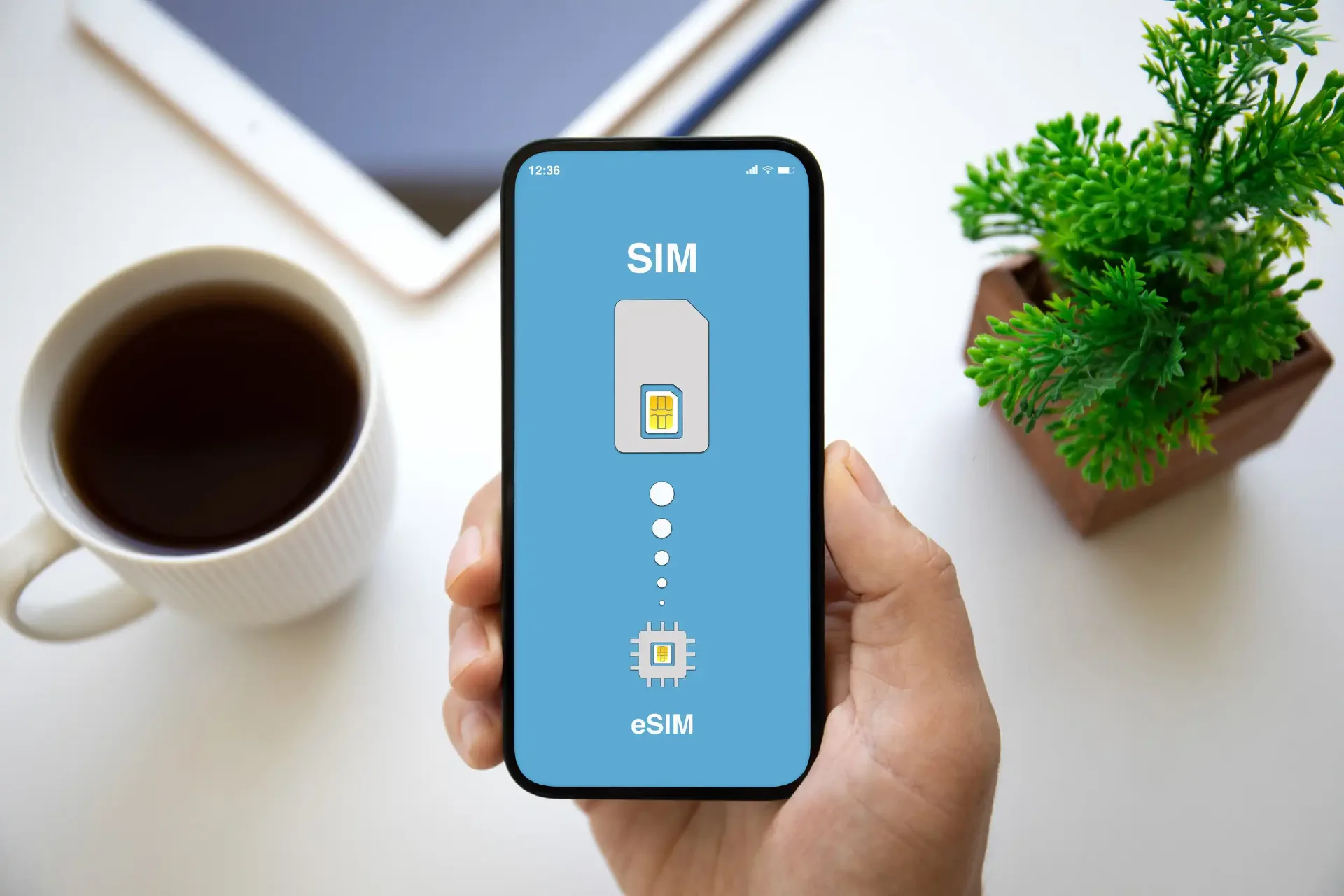
You land in Egypt and need data before you reach the taxi rank: for inDrive, maps, WhatsApp and, in Luxor, the QR code on your temple ticket. You have two good options, an eSIM you set up before you fly or a physical SIM you buy on arrival. There is also one rule about phone registration that catches some travelers out.
This guide compares the two, shows what local carriers charge and explains the registration rule in plain terms.
The Short Verdict
- Short trip, no queues: buy an eSIM before you fly.
- Lots of data or a longer stay: a local SIM gives far more data for the money.
- Working remotely: carry both, so one network failing doesn’t cut you off.
eSIM vs Local SIM at a Glance
| Travel eSIM | Local Egyptian SIM | |
|---|---|---|
| Setup | Buy at home, install by QR code, active on landing | Buy at an airport kiosk or carrier store with your passport |
| Price for data | Roughly €5–25 for 3–20 GB, valid 7–30 days | Roughly EGP 200–600 for about 20–47 GB, valid 28–30 days |
| Networks | Roams on one or more partner networks | You pick the carrier that suits your route |
| Phone compatibility | Needs an eSIM-capable, unlocked phone | Needs an unlocked phone with a SIM slot |
| Registration | Roaming plans are exempt | Passport and phone IMEI are registered |
Prices change, so treat these as ranges and check current offers.
Check your phone first. Some newer phones, including US-market iPhone 14 models and later, have no physical SIM slot, so they can only use an eSIM. A phone must also be unlocked to accept a local SIM. On an iPhone, go to Settings > General > About and look for “No SIM restrictions” under Carrier Lock. If your phone is locked, ask your home carrier to unlock it before you leave.
The Phone-Registration Rule Every Visitor Should Know
Egypt registers imported phones by IMEI through the government’s Telephony app. For visitors, the rules work like this:
- Tourists are exempt for their first 90 days. Phones on a foreign SIM with an active roaming plan are exempt, and that includes most travel eSIMs, which roam on partner networks.
- A local Egyptian SIM registers your phone. Buying one records your passport and your phone’s IMEI, and it starts the grace period.
- The fee can be steep. If a device stays unregistered after the grace period, the charge can reach up to 38.5% of the phone’s value, and the phone can be blocked from Egyptian networks until it is paid.
- Payment is digital. The customs exemption for phones carried in by passengers ended in January 2026, and fees are now paid through the Telephony app, banks or e-wallets rather than at a customs desk.
For a normal holiday under 90 days, you’re fine. If you stay longer or return often and use a local SIM, check your phone’s status in the Telephony app before each trip. Sources differ on whether the 90 days reset with each visit or count cumulatively, and some travel-eSIM providers warn that the clock keeps running between trips, so confirm your device’s status in the app rather than assuming.
This is one more reason a roaming eSIM is simpler for short visits.
Best eSIMs for Egypt
Travel eSIMs let you keep your home SIM active for bank alerts and calls while a separate plan handles data. When you compare them, look at the price per GB, the plan’s validity, which partner networks it uses and whether hotspot use is allowed. Plans that list several partner networks and can switch between them tend to be the safer choice in tourist regions.
Some links on this page are affiliate links, which means we may earn a commission at no extra cost to you.
| Provider | What it offers | Best for |
|---|---|---|
| Airalo | An easy-to-use app with quick data top-ups and 4G/LTE speeds | Short trips of one to two weeks that need 1–5 GB for maps and messaging |
| Yesim | Virtual numbers and a pay-as-you-go credit system that doesn’t expire | Travelers who visit Egypt or other countries repeatedly |
| Saily | A simple app with quick activation | First-time eSIM users |
Local Egyptian carriers are starting to offer eSIMs to residents, but tourists often find a local eSIM hard to get. Most visitors choose an international travel eSIM and activate it before they arrive.
Local SIM Cards in Egypt: Carriers, Plans and Coverage
Egypt’s four mobile operators are Vodafone, Orange, e& (formerly Etisalat) and WE (Telecom Egypt). All offer 4G, and 5G is still fairly new, so don’t expect it everywhere. Plans and prices change, so confirm them at the kiosk.
| Carrier | Example tourist plans (2026 guides) | Coverage notes |
|---|---|---|
| Vodafone | About 30 GB for 28 days, around EGP 505 | Often rated the strongest nationwide, including rural areas and long drives |
| Orange | 20 GB for 28 days at EGP 200, or 47 GB at EGP 450 | Strong in cities, weaker in rural areas |
| e& (Etisalat) | “Traveler” plans from 7 GB at EGP 200 to 40 GB at EGP 600, valid 30 days | Strong in cities, weaker outside them |
| WE (Telecom Egypt) | The cheapest plans, such as 5 GB at EGP 100 | The state-owned option. Coverage reports are mixed, so choose it only for a clear price advantage |
Coverage rankings differ between sources, so treat them as a guide, not a guarantee.
Ask how much data you can really use. Some bundles advertise a big number but include a portion that only works for WhatsApp or social apps. Ask at the counter how many gigabytes are unrestricted.
Messaging calls may be limited. Some reports say voice and video calls over messaging apps are blocked on local networks while text chat works, and other sources say calls work over data. If you rely on WhatsApp calls, test on arrival.
How to Buy a Local SIM at the Airport
- Find the kiosks. At Cairo airport, the operator kiosks are near the baggage carousels. At smaller airports, including Luxor, availability can vary, especially for late flights. If you land at night and aren’t sure a kiosk will be open, set up an eSIM before you fly or buy at an official carrier store in the city. Our Luxor International Airport guide has airport details.
- Bring your passport. Every SIM must be registered to a verified identity, and both the SIM and your phone’s IMEI are recorded. Buy only from official carrier kiosks and stores, and avoid small shops selling SIMs registered to someone else’s identity, which can be deactivated.
- Compare prices. Airport and city prices are usually similar for official carrier offers, so the airport is fine if you want to be connected on arrival.
- Test before you leave the counter. Wait until you see “LTE” or “5G,” and ask the agent to confirm your package is active.
Setting Up and Staying Safe on Data
- eSIM activation. After you buy, you receive a QR code by email. Scan it while you’re on Wi-Fi, switch the new line on, and make sure data roaming is enabled for that line, since travel eSIMs need it to connect.
- Avoid roaming charges. Turn off data roaming on your home SIM, use airplane mode with Wi-Fi until your local SIM or eSIM is active, or switch your home line off if your phone supports dual SIM.
- Download offline maps of Luxor while you’re on Wi-Fi.
- Save your e-tickets. If you buy temple tickets online, save a screenshot of the QR code in case the signal is patchy at a site. Our Luxor travel cost guide explains how ticket payments work.
- Ride-hailing. Apps such as inDrive settle the fare before the ride. See our getting around Luxor guide.
Which Should You Buy?
- A week in Cairo and Luxor, mainly maps and messaging. Buy an eSIM before you fly, skip the queue and avoid the registration paperwork.
- Heavy streaming and uploads. A local SIM gives far more data per euro, for example about 30 GB from Vodafone for roughly EGP 505 against a travel eSIM’s 3–20 GB for roughly €5–25.
- Remote work. Get both. Use a local Orange or Vodafone SIM for your main data and keep a small eSIM as a backup in case one network goes down.
The Bottom Line
For a normal holiday, a travel eSIM is the least hassle and sidesteps the registration rules. If you’ll use a lot of data or stay for weeks, a local SIM from Vodafone or Orange is cheaper per gigabyte, as long as your phone is unlocked and you bring your passport. Whichever you choose, set it up before you need it, especially if you’ll be scanning e-tickets at Luxor’s temples. Planning your trip? See how to get to Luxor.